App Store screenshots that look designed, not generated.
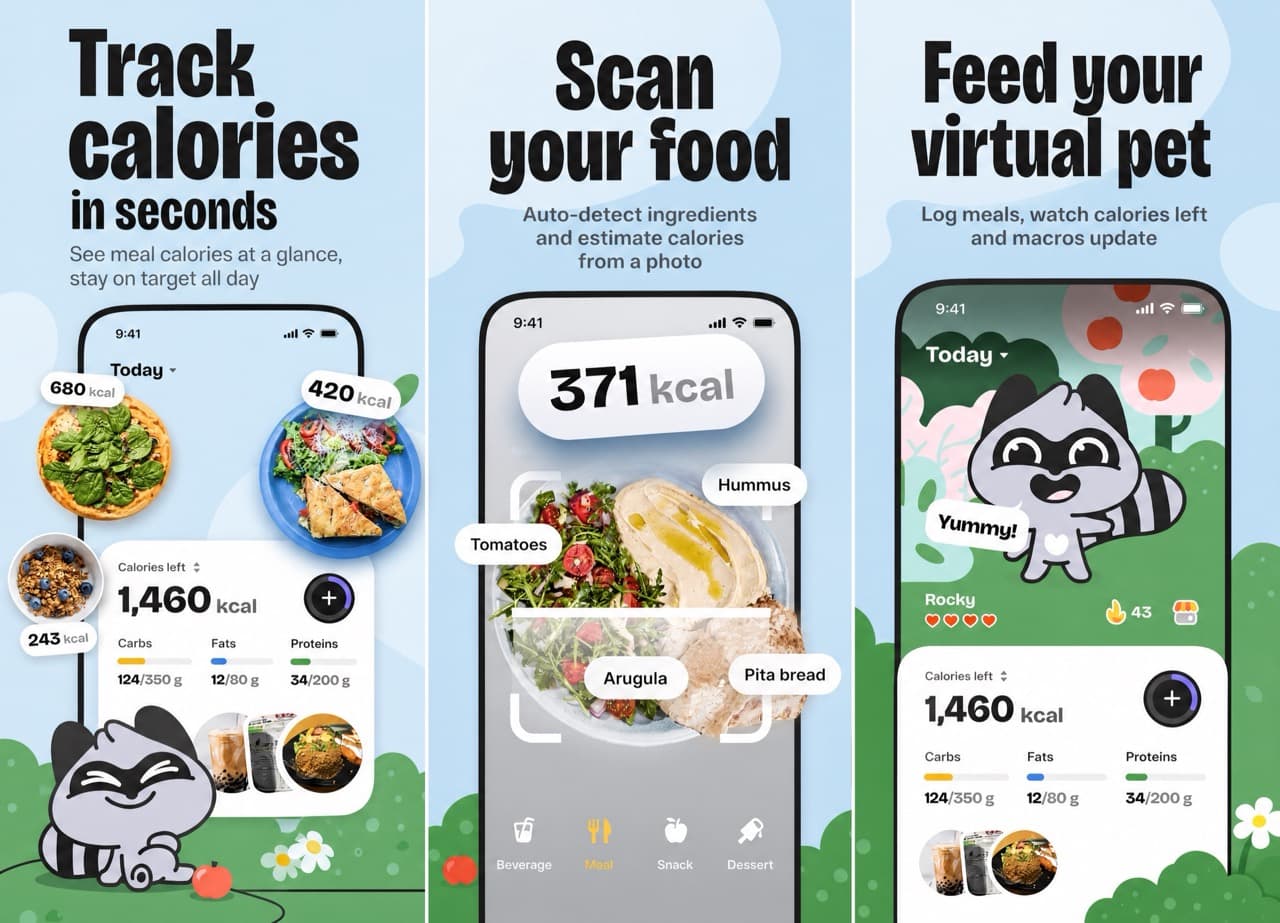
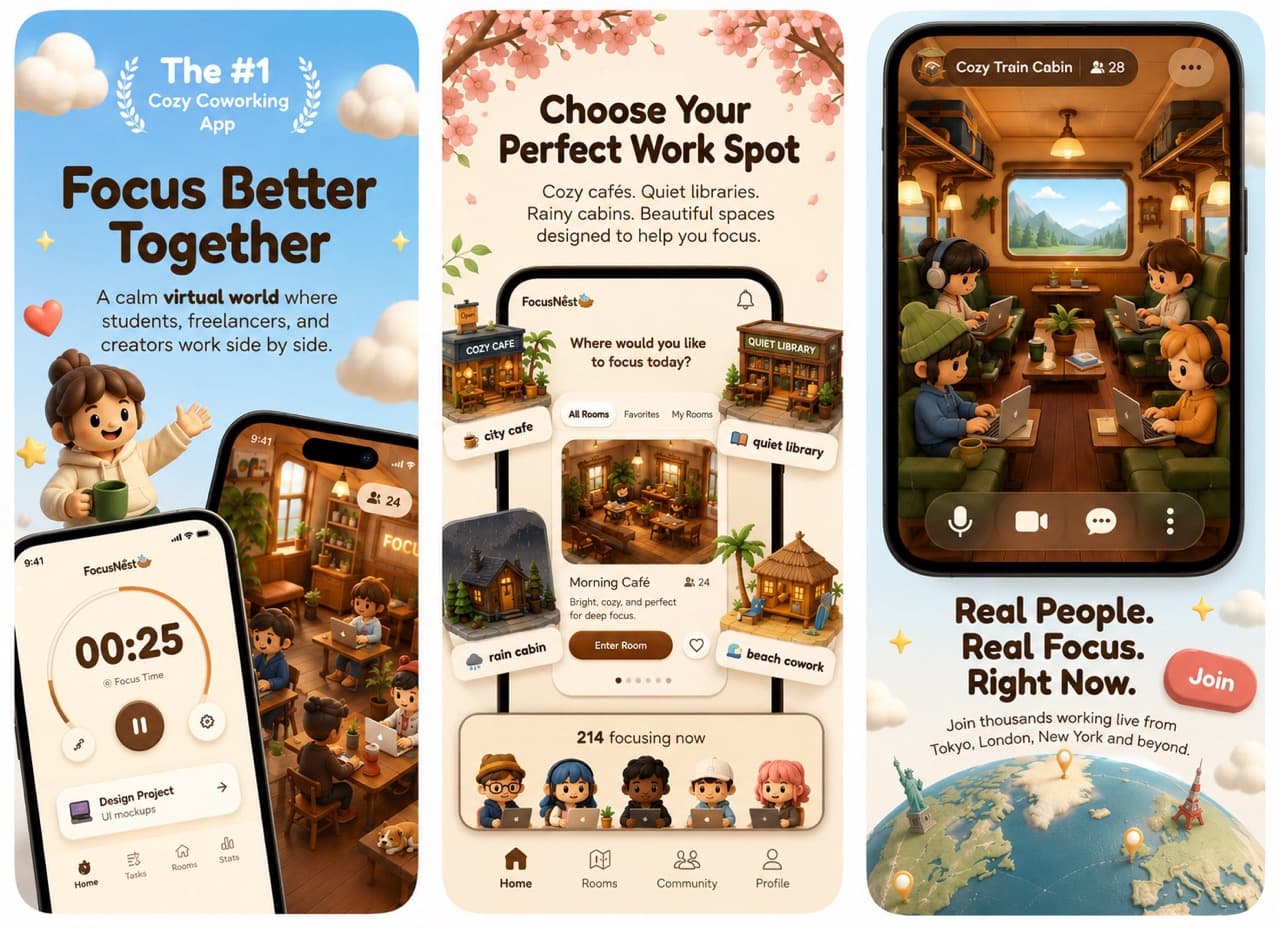
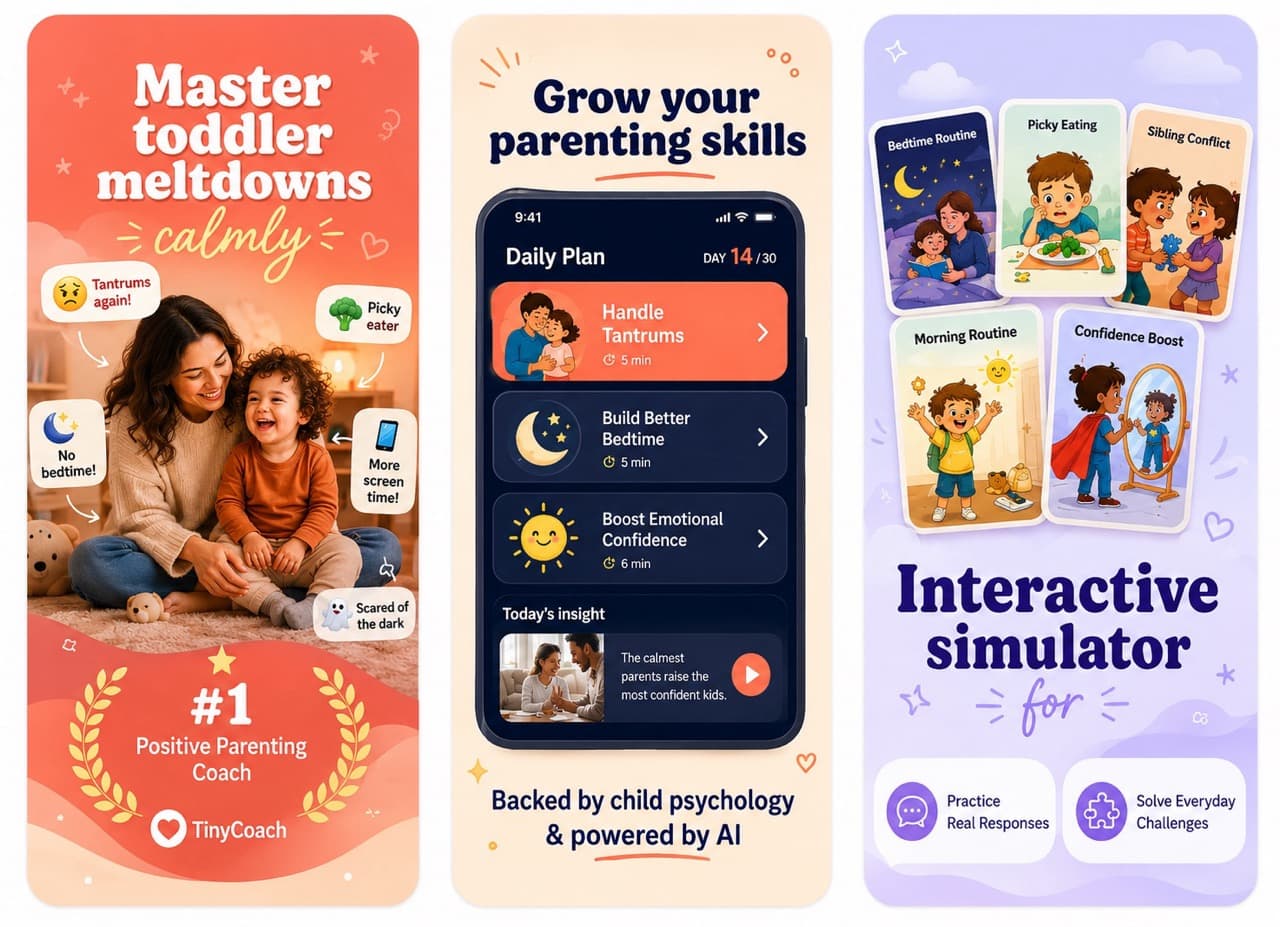
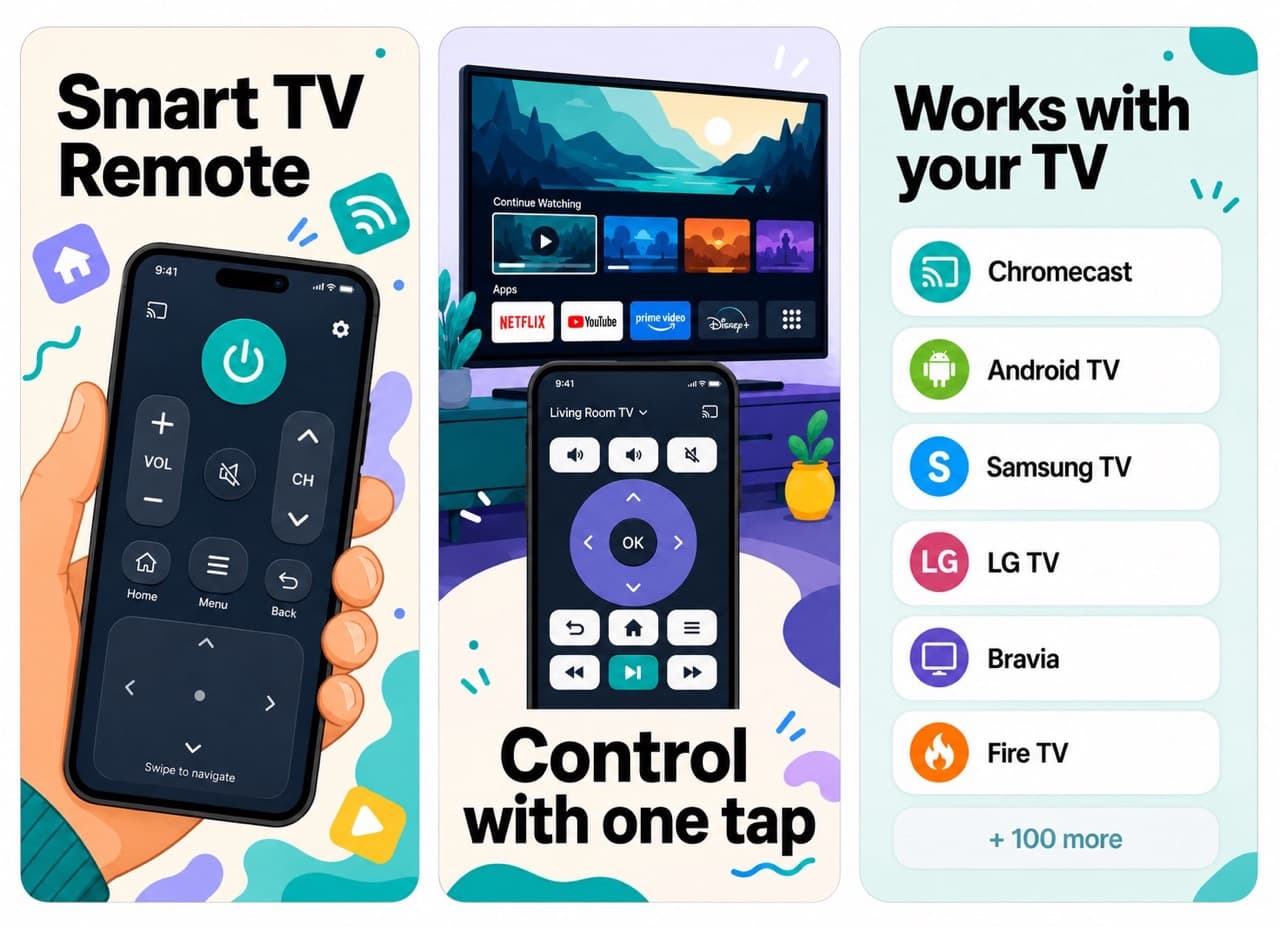
Give AppShotKit your App Store link or a folder of simulator captures. Get four screenshot directions to choose from, then a full set rendered at Apple-ready sizes.


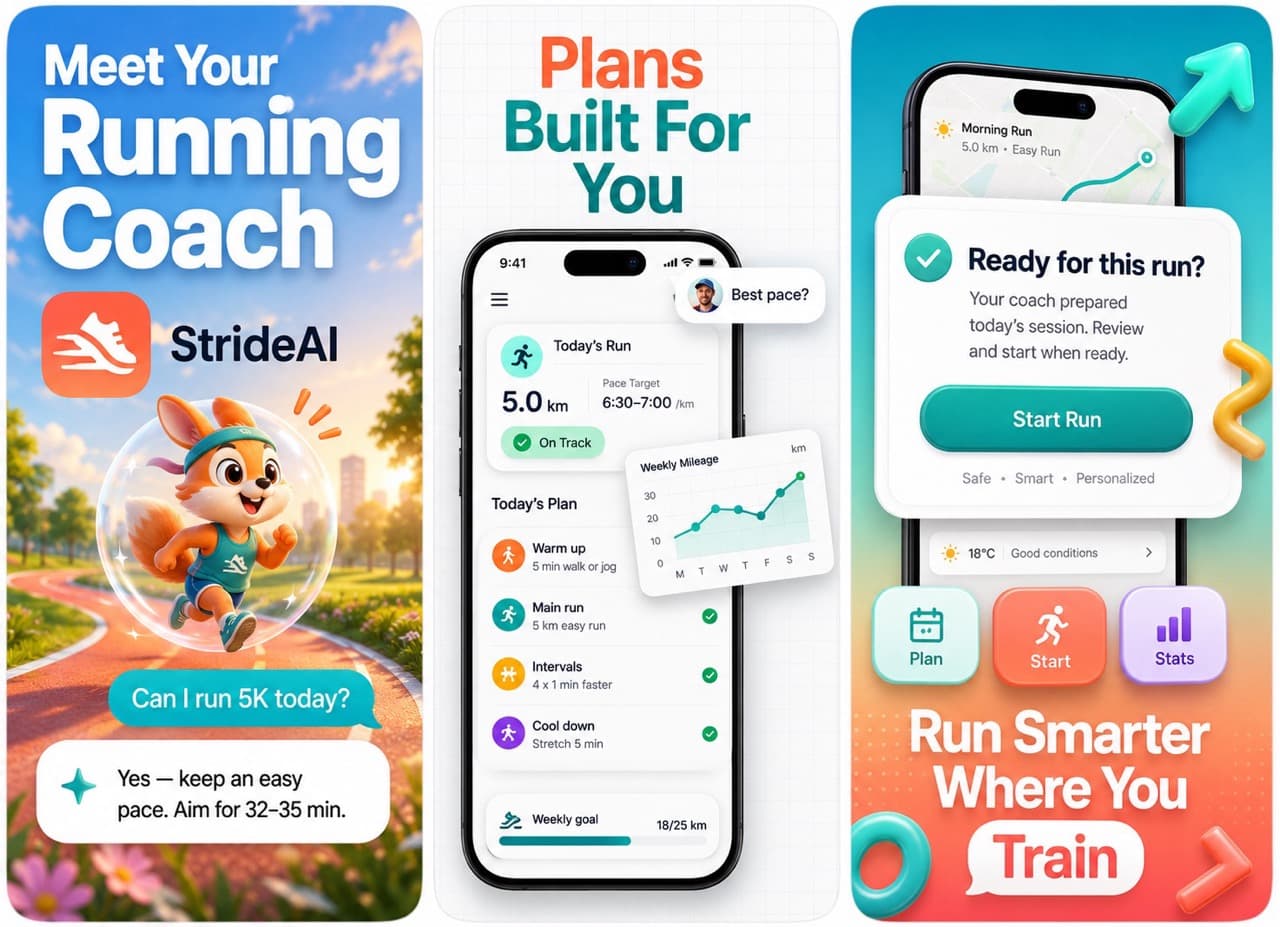
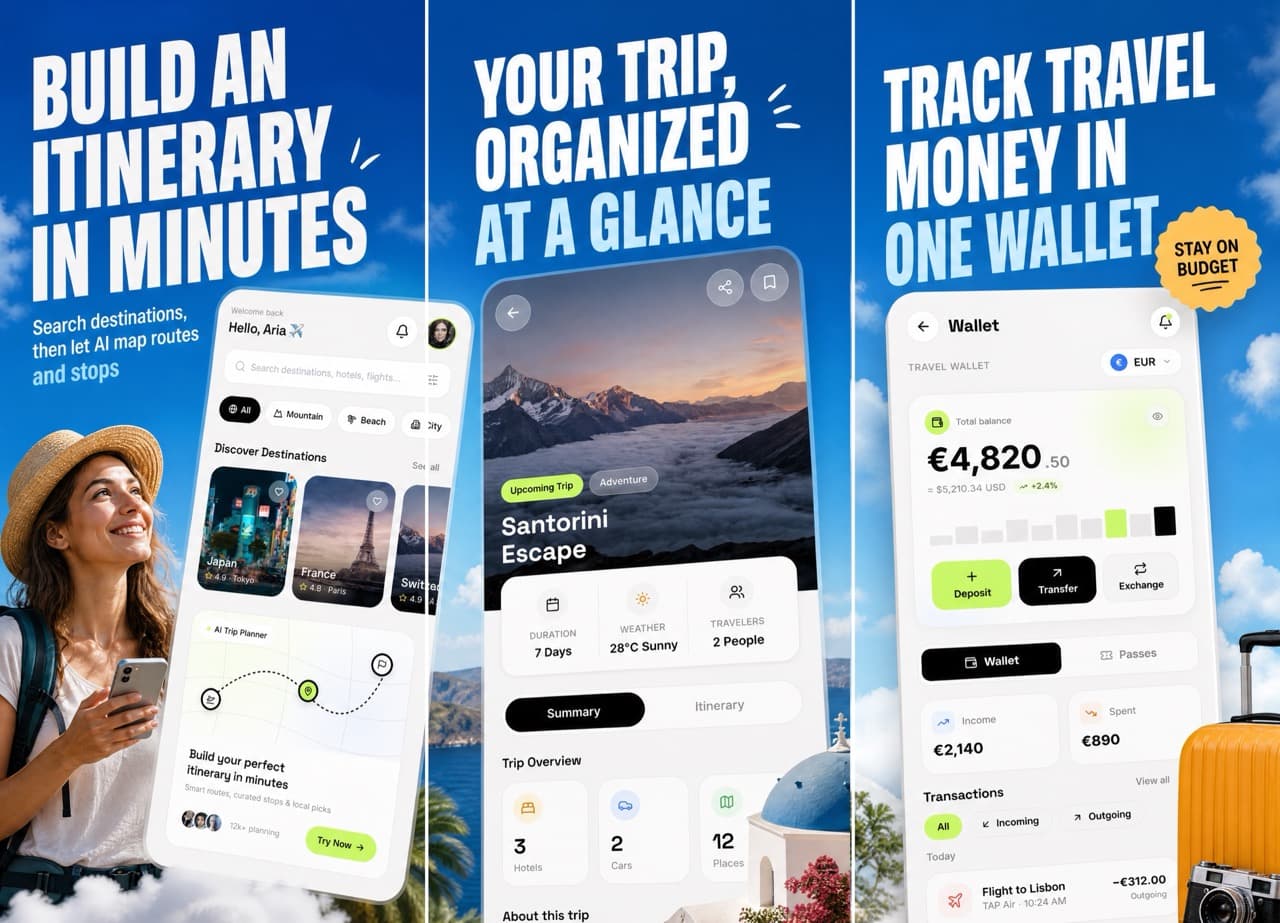
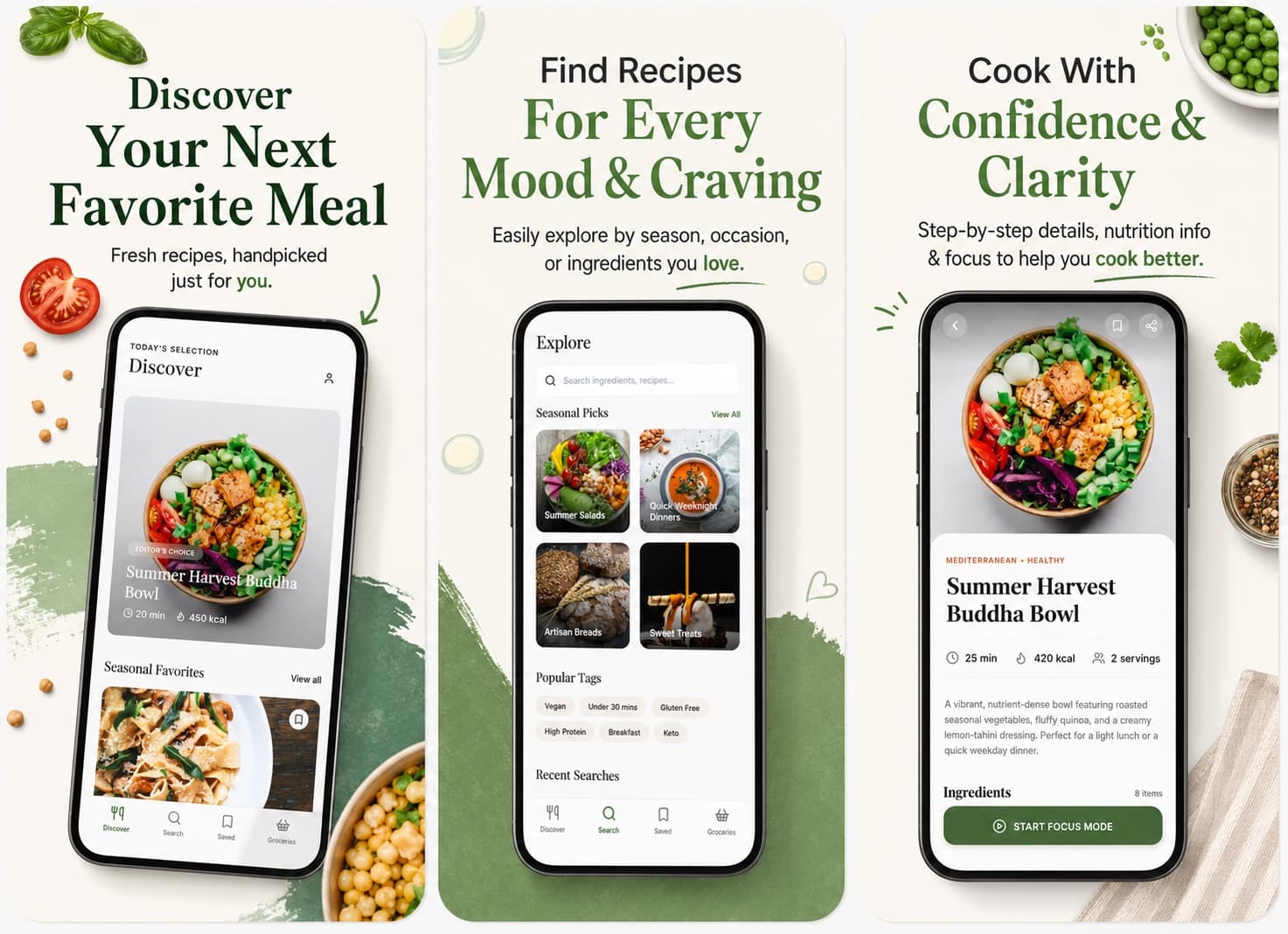
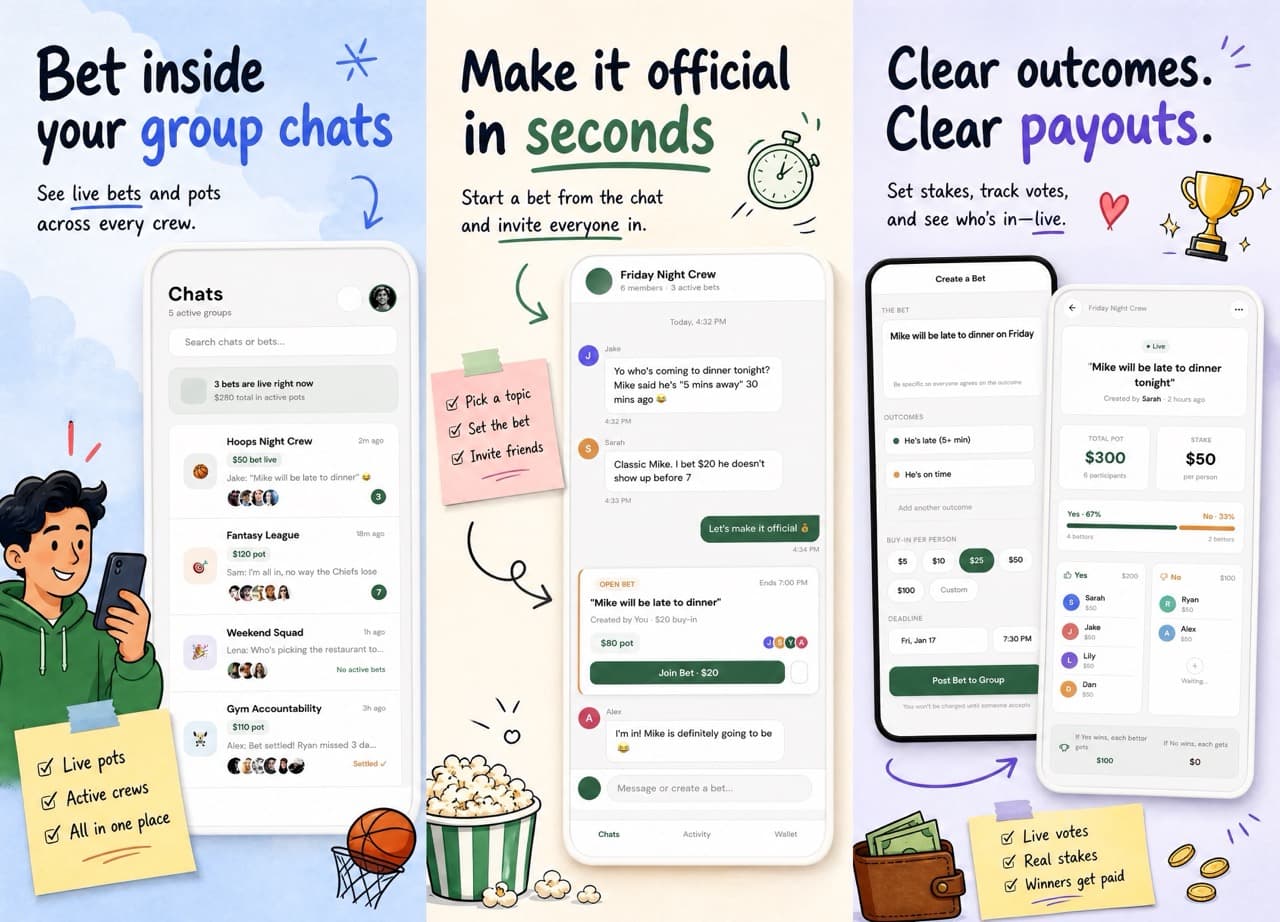
Why screenshots decide your install rate
Most people never read your description. They swipe your first two screenshots and decide. Those two images do more work than every other asset on your product page combined — and they are usually the last thing a small team gets around to.
How it works
Point us at your app
Paste an App Store link and we pull your metadata, icon, and existing screenshots. Not launched yet? Upload simulator captures or screen recordings instead.
Pick a direction
You get four complete concept sets — premium and minimal, bold and conversion-focused, clean and product-first, playful and visual. Compare them side by side.
Generate the full set
We render each screenshot one at a time so typography, spacing, and device framing stay consistent across the whole set.
Export Apple-ready files
Every image is resized to 1320×2868, checked for safe margins and contrast, and packaged for upload.
Built for how apps actually ship
Works before you launch
No live listing required. Raw device screenshots, simulator exports, and screen recordings all work as source material.
Consistent across the set
One chosen direction locks the font treatment, colour system, margin rhythm, and mockup style for every slide.
Regenerate a single slide
Not happy with screen three? Re-run just that one. The rest of your set stays exactly as it was.
You stay in control
AI does the rendering, you make the calls. Nothing final gets generated until you have picked a direction.
Ready to see your app on the shelf?
Create an account and run your first set in a few minutes.